Getting Started
Install and set up Project Galacta
Requirements
Section titled “Requirements”- Rivals SIG Bypasser to load the Project Galacta mod
- For the Companion App: Windows 10/11 and .NET 8 Desktop Runtime
Project Galacta Mod Installation
Section titled “Project Galacta Mod Installation”Basic setup for the Mod Loader:
- Remove other mod unblocking solutions, keep Signature Bypass installed only.
- Download the latest release from NexusMods or GitHub Releases.
- Extract the mod container (
.pak, .ucas, .utoc) into your game’s Paks folder.
It is recommended to place it under
/Paksfor better stability.
- Launch the game and log in. Mods will be mounted after login.
Verifying it works
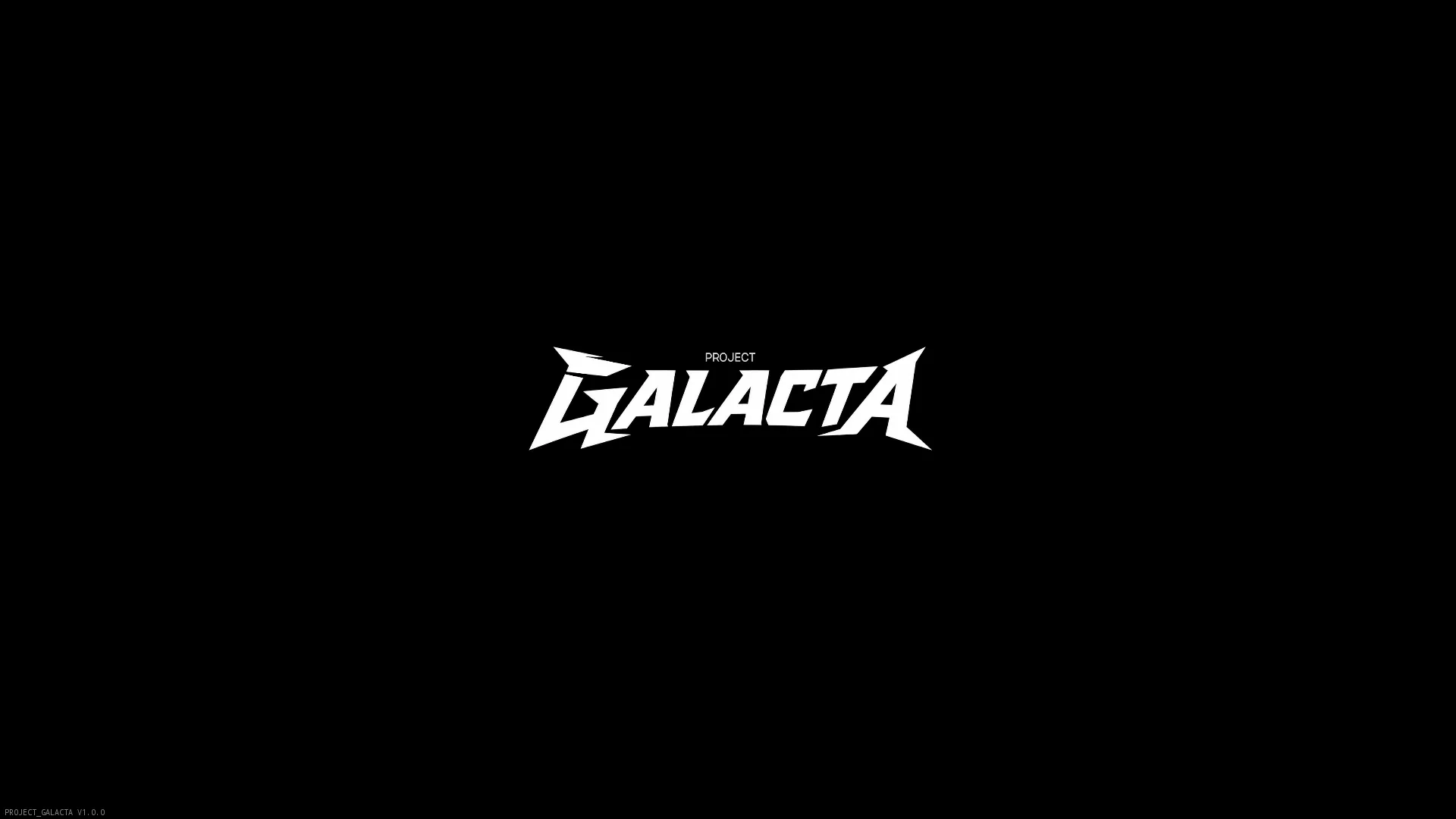
Section titled “Verifying it works”- Project Galacta will show its title logo after intro movies. If you see that, mod is working.
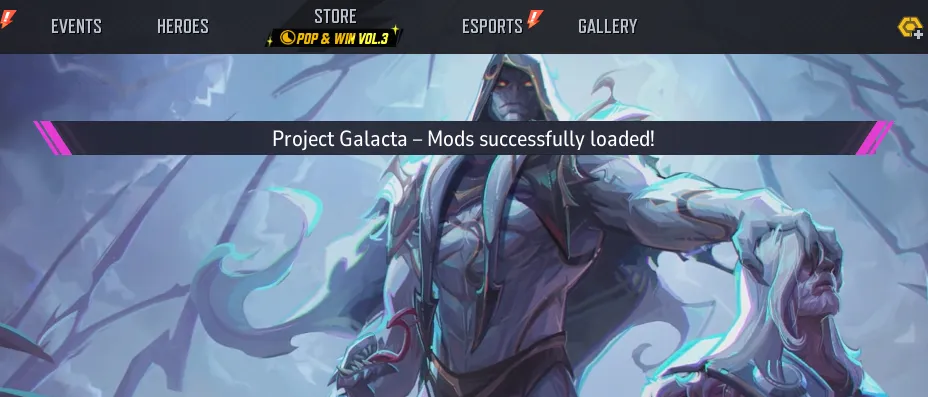
- After logging in, a popup message will confirm the successful mod mounting.